Chrome extension · runs 100% locally · free · open source

Look down.
It scrolls.

LazyScroll reads where you're looking through your webcam. Glance at the bottom of any page and it glides down, glance at the top and it goes back up. On X, smile at a post to like it.

Everything runs locally on your computer. No cloud, no servers: your camera feed is never uploaded.

Chrome Web Store listing coming soon. Works in Chrome, Edge and Brave.
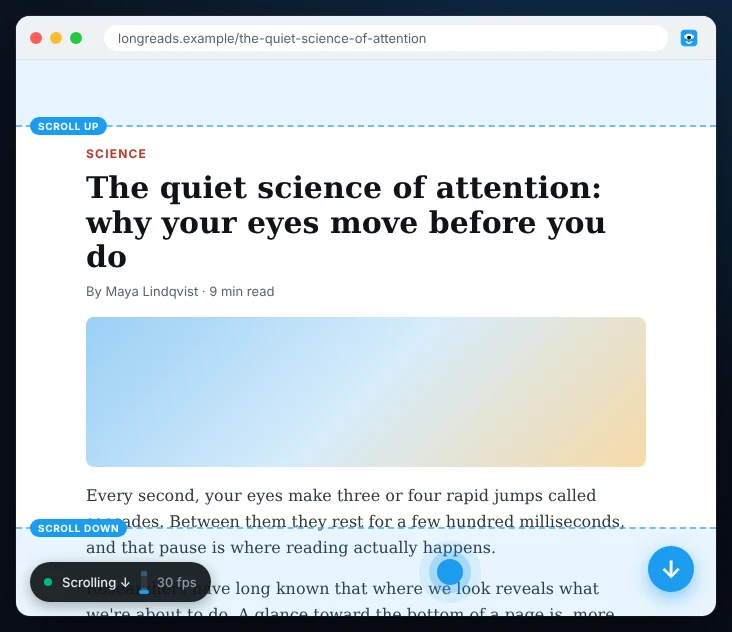
An article in a browser with shaded scroll bands at the top and bottom, a blue gaze dot in the bottom band and a status pill reading Scrolling down
0bytes uploaded: runs 100% locally
~30checks per second
20 sone-time setup
$0no account, no API key

Set up once, then forget the mouse.

  1. 1

    Allow the camera

    Video is processed on your computer and thrown away frame by frame.

  2. 2

    Follow the dot

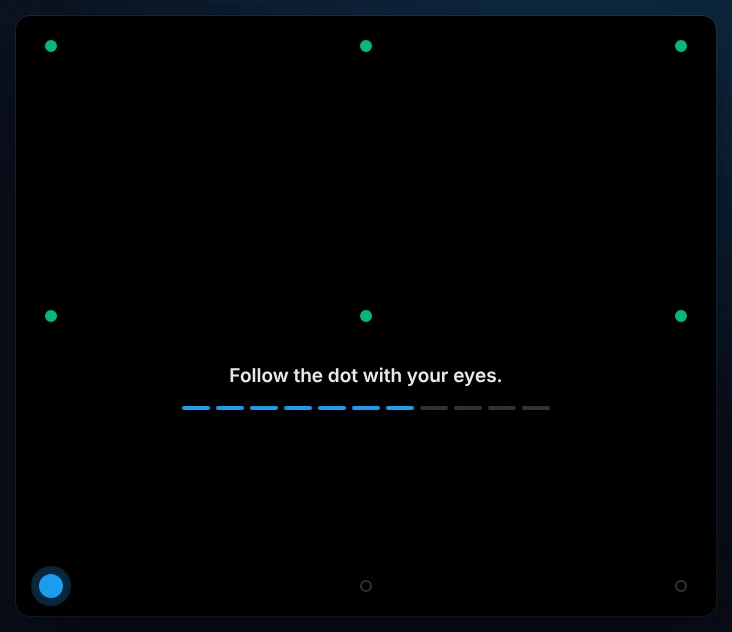
    A 20-second calibration learns your eyes, your screen, your keyboard and your smile.

  3. 3

    Just read

    Look at an edge to scroll. Look back at the middle to stop. That's it.

Full-screen calibration with a 3 by 3 grid of dots, most already done, and the text Follow the dot with your eyes

Only when you mean it

Read in peace. No accidental scrolls.

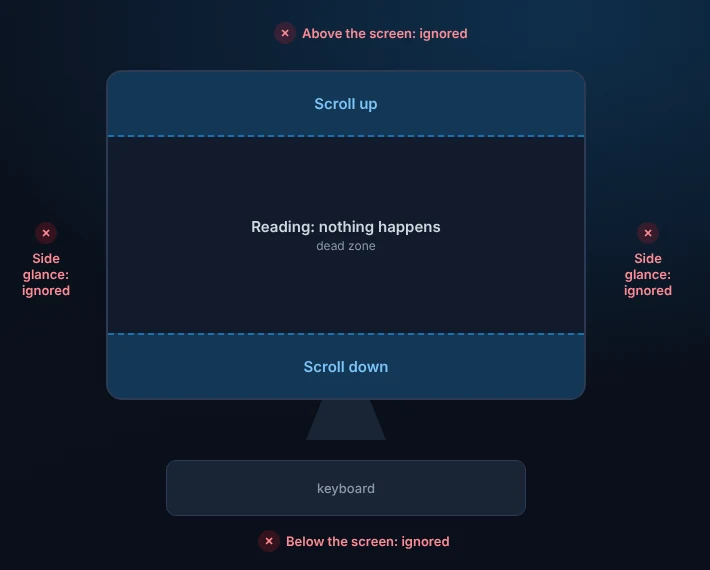
The middle of the page is a dead zone, so reading never moves anything. Scrolling only starts after you've looked into the top or bottom band for a moment, and it speeds up the closer you look to the edge.

Diagram of a screen: scroll-up band at the top, a reading dead zone in the middle, scroll-down band at the bottom, with looking above, below or beside the screen marked as ignored

Every website

Works where you read.

LazyScroll scrolls whatever is under your gaze: the whole page, or a panel inside a web app.

NewsDocsRecipesForumsInboxesChat appsWikisLong reads

Bonus, on X

Smile. It's liked.

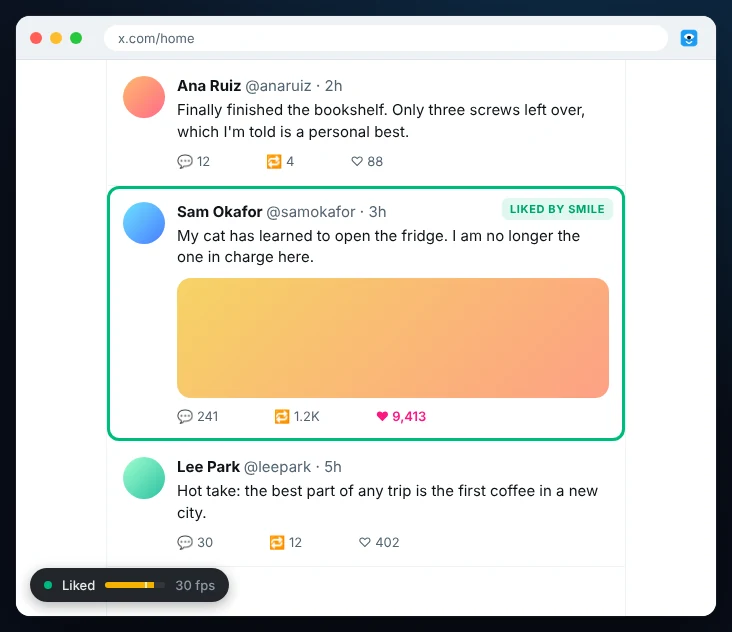
The post you're reading gets an outline. Smile at it and LazyScroll taps like for you. It's tuned to your own smile, so a slight one is enough, and being already amused when a post scrolls in doesn't count.

A social feed with one post outlined in green, its heart filled in, and a status pill reading Liked

Runs locally. Your face never leaves your computer.

The face tracker (Google's MediaPipe) is bundled inside the extension and runs on your machine. LazyScroll makes no network requests at all.

No uploads

No video, images or data are stored or sent anywhere.

No accounts

No sign-up, no API key, no servers, no analytics.

Camera only when used

It runs only while your browser window has focus, then turns off.

Open source

Read every line on GitHub.

Read the privacy policy →

Questions

How accurate is it?

It's webcam eye tracking, so think "which part of the screen", not "which word". After calibration it reliably tells reading the middle apart from looking at the top or bottom band, or at your keyboard. Even light on your face and a camera at eye level help the most. The calibration screen tells you how accurate yours is.

Which browsers does it work in?

Chrome, and Chromium browsers like Edge and Brave. Firefox and Safari aren't supported.

How do I install it before the Web Store listing is live?

Download the zip from the latest release and unzip it. Open chrome://extensions, turn on Developer mode, click Load unpacked and pick the unzipped folder. The setup page opens by itself.

Does it slow my computer down?

Face tracking takes a few milliseconds per frame on the GPU. The camera switches off when the browser window isn't in use, and you can turn LazyScroll off per site.

I moved my laptop and it feels off.

Recalibrate from the toolbar menu (Settings & calibration). It handles normal head movement, but a new desk, chair or camera position needs a fresh 20-second calibration.

Is auto-liking allowed on X?

X's rules discourage automated actions. LazyScroll only likes when you smile, one post at a time, but it's your account; you can turn liking off and keep just the scrolling.

Give your scroll wheel a break.

Download for Chrome View source